 Aquanode Docs
Startup Scripts
Create reusable startup scripts to automate your machine initialization: install packages, configure your environment, and start services automatically on every boot.
Startup scripts run automatically when a machine boots, letting you fully automate environment setup without manual intervention after deployment.
What you can do with startup scripts
- Install system packages and Python dependencies
- Clone and configure your codebase
- Set environment variables and config files
- Start background services or APIs
- Pre-download models or datasets
Scripts run as root
Startup scripts execute as root on first boot. You can use sudo freely, or
drop privileges with su - username when needed.
Create a startup script
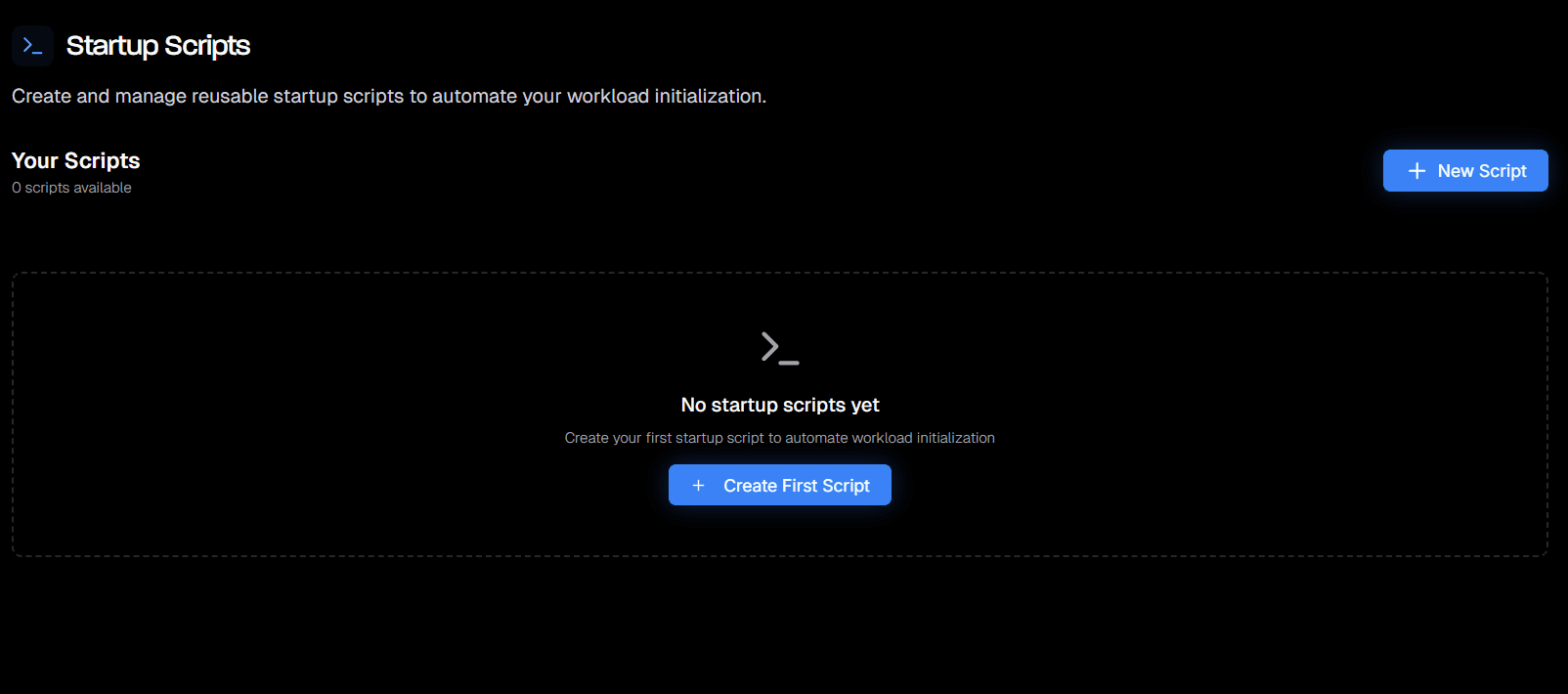
- Go to Startup Scripts in your account
- Click + New Script
- Give your script a name (e.g.
ml-setup,api-server) - Write your shell script in the editor
- Click Save
Your scripts are reusable: create them once and attach them to any number of machines.
Attach a script to a machine
When deploying a machine from Deploy a Pod:
- Complete your GPU and resource selection
- In the deployment settings, find the Startup script dropdown
- Select the script you want to run on boot
- Deploy: the script will execute automatically once the machine is ready
Example scripts
Install ML dependencies
#!/bin/bash
set -e

apt update && apt upgrade -y
pip install torch torchvision torchaudio --index-url https://download.pytorch.org/whl/cu118
pip install transformers datasets accelerate
Clone a repo and install requirements
#!/bin/bash
set -e

cd /home/user
git clone https://github.com/your-org/your-repo.git
cd your-repo
pip install -r requirements.txt
Start an API server on boot
#!/bin/bash
set -e

cd /home/user/app
pip install -r requirements.txt
nohup uvicorn main:app --host 0.0.0.0 --port 8000 &
Managing your scripts
From the Startup Scripts page you can:
- View all saved scripts
- Edit a script at any time (changes apply to future deployments)
- Delete scripts that are no longer needed
Script updates don't affect running machines
Editing a script only affects new deployments. Running machines will not re-execute the script.