 Aquanode Docs
AWS Setup
A guide to setup s3 bucket on AWS
Setup
A guide to setup S3 Bucket in AWS
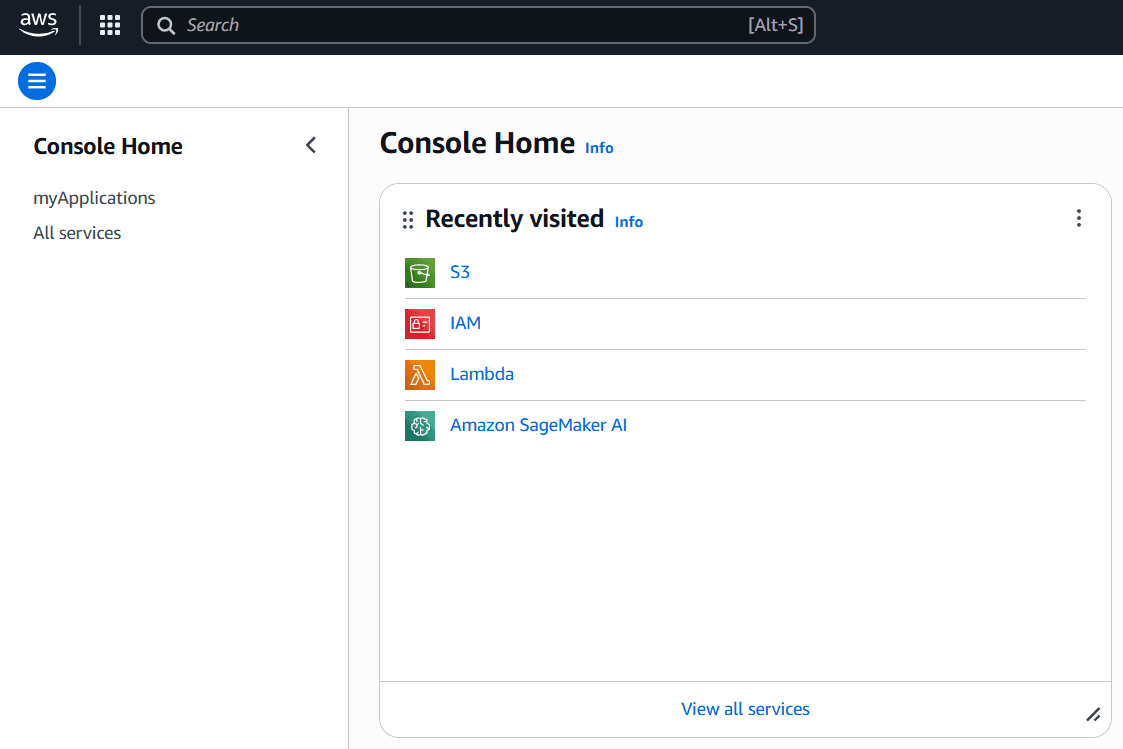
Go to S3
Open console and go to All services
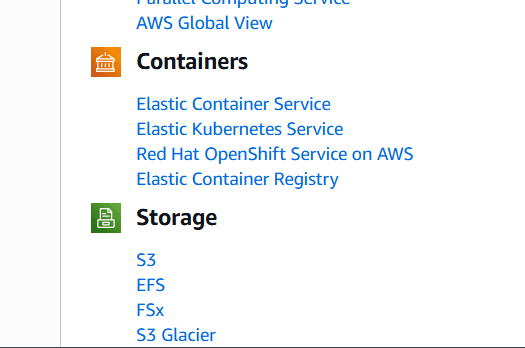
Now here select S3
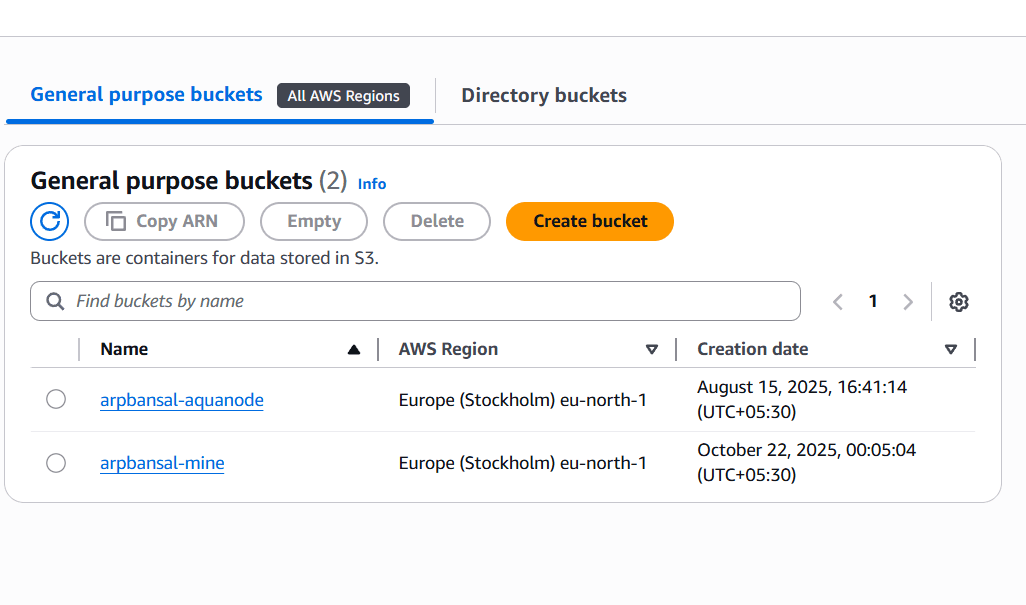
Create a Bucket
Click on Create Bucket
A setting page will open up for your bucket.
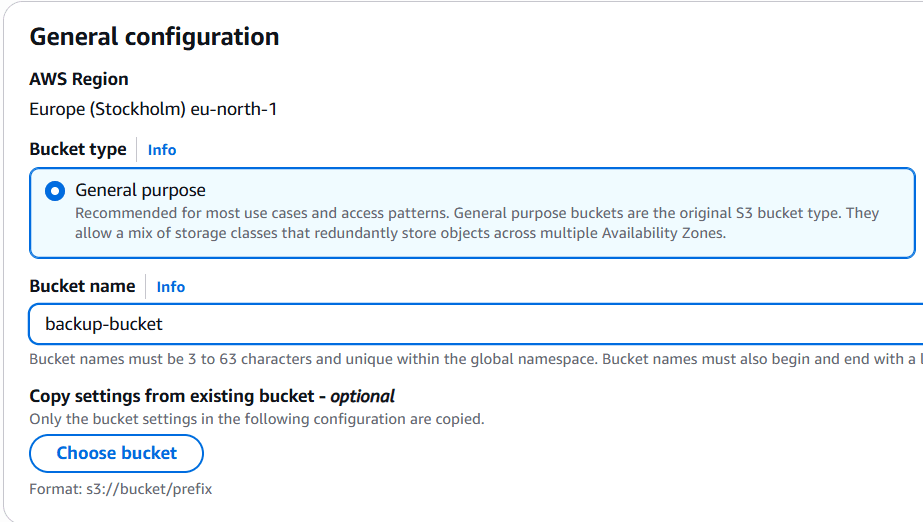
General Settings
Write name of the bucket
You can Block public access, unless and until you wish to share these backups with everyone across world.
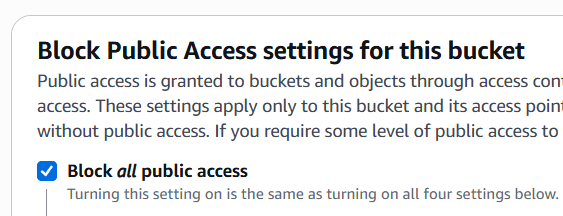
You should disable it at default, Keeping each version consumes more storage (more bills).

Additonal Settings (doesn't effect backups)
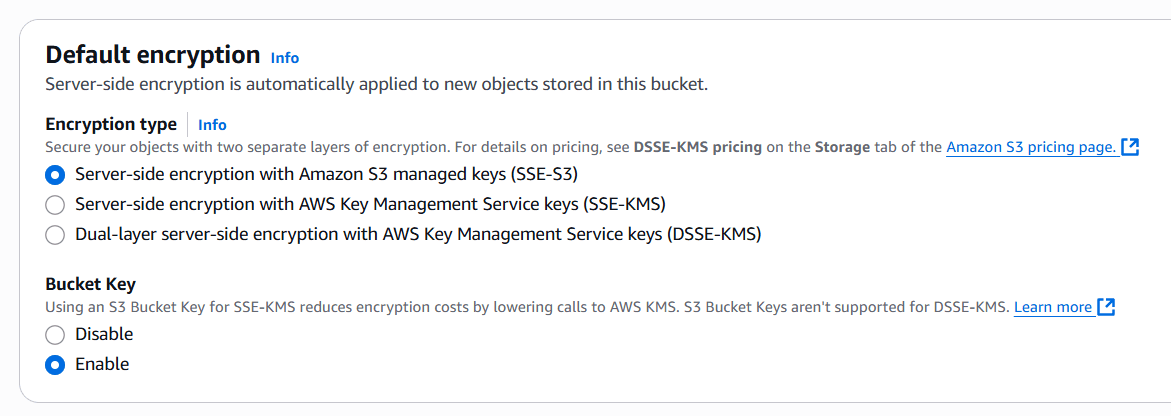
Done


PS: name of bucket different from chosen name, as amazon requires your bucket name to be unique in global namespace
Let's Create ACCESS_KEY and SECRET_KEY now.
Revisit All Services
and go to IAM service, remember do not visit IAM Identity Center
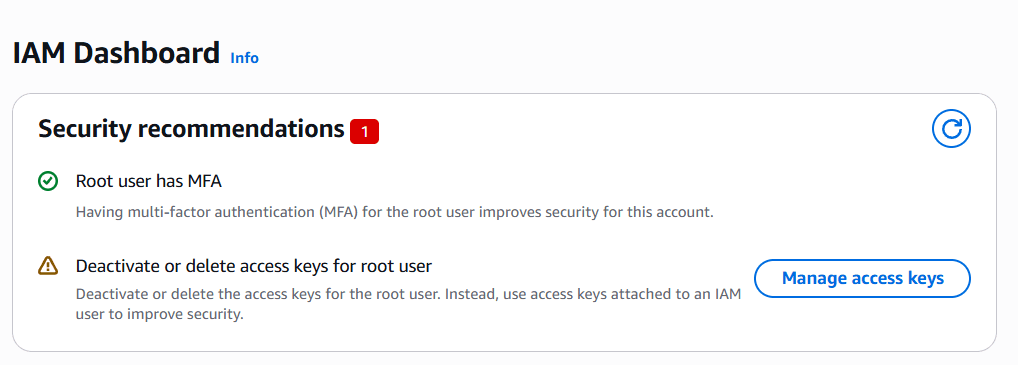
IAM dashboard will open.
Go to Users in left side-bar
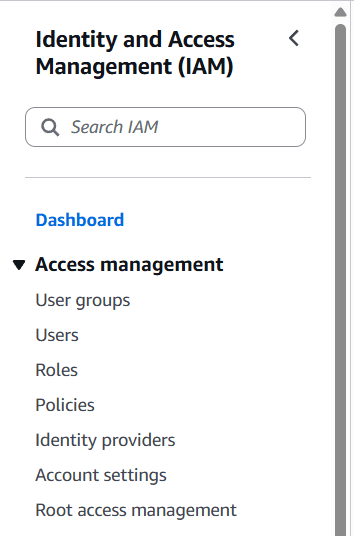
Click on user you want to go with, (Create a user if not already available)
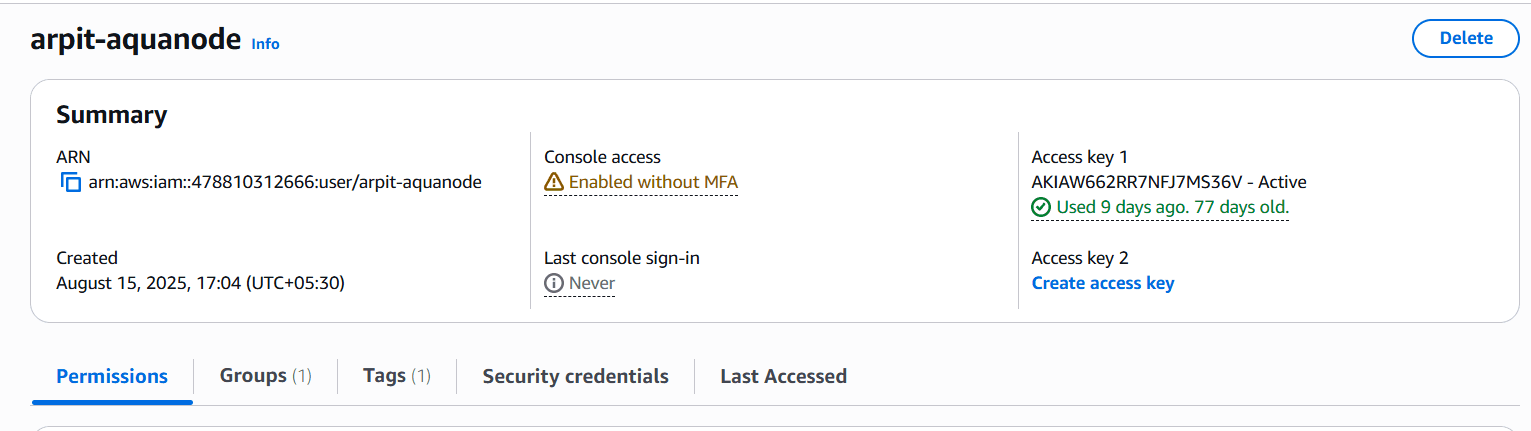
Go to Access keys
Click on Create access key
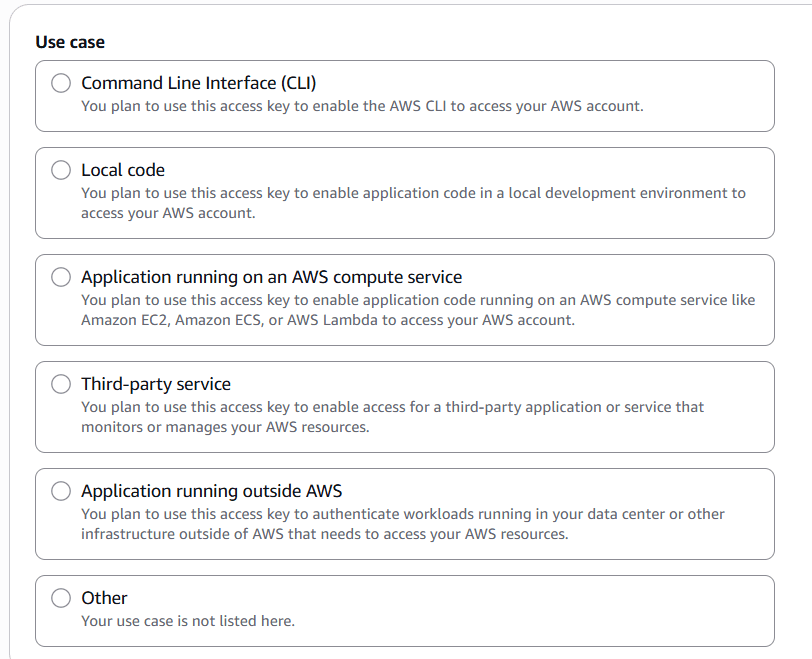
Choose Command Line Interface(CLI)
Click on Next
Describe Tag value. e.g. backup-s3-keys
Click on Create access key
 !!Done
Root user (not recommended by aws) Only use this If you don't want to create a user.
Go to IAM, A dashboard will open.
Here scroll and go to Access keys

Click on Create access key
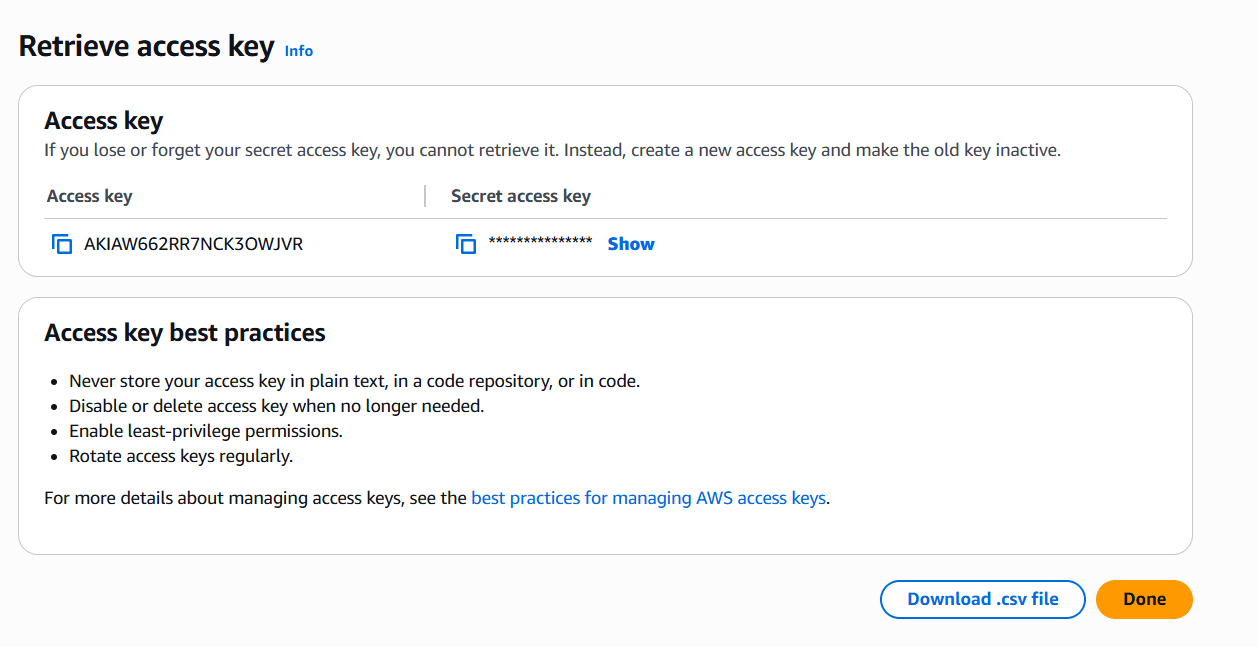
!!Done