 Aquanode Docs
Migrating Workloads
Move your GPU workload to a different provider or GPU type without losing your setup.
Migrations let you move a running workload from one GPU or provider to another. Your environment and data are preserved through the process using Aquanode's built-in storage.
How It Works
- Take a snapshot of your current VM (see Creating Backups).
- Launch a new VM on your target provider or GPU type.
- Restore the snapshot on the new VM (see Restoring Backups).
Your environment will be available on the new GPU exactly as you left it.
VM Deployment Template
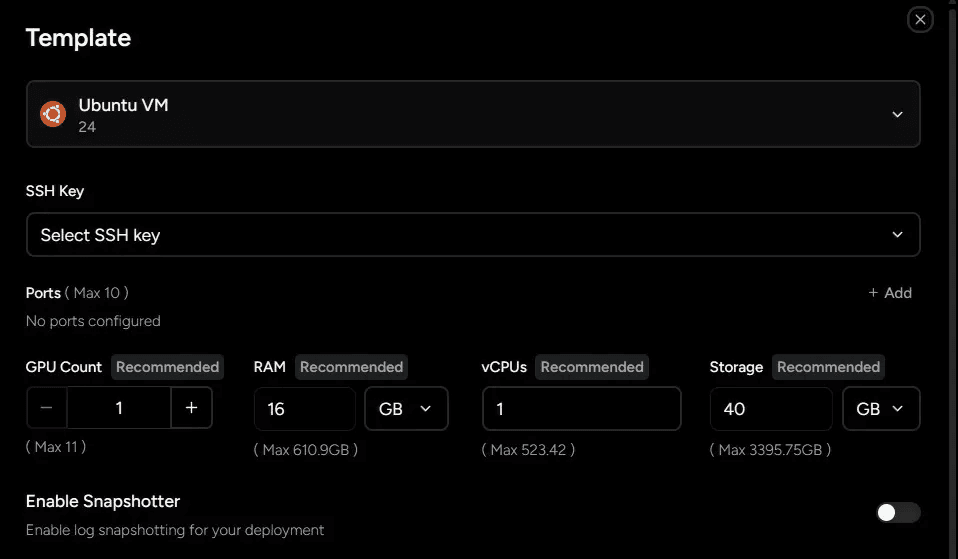
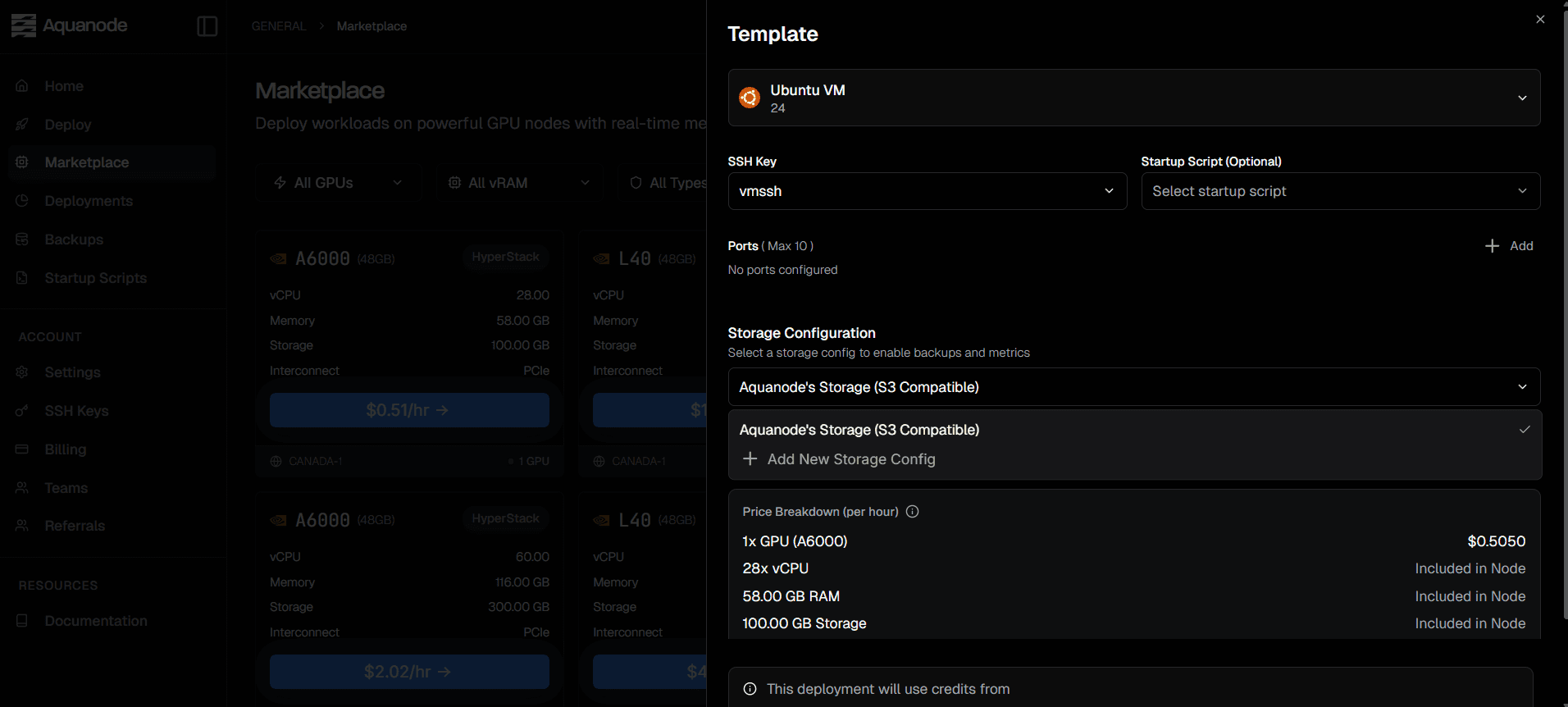
When deploying a new VM for migration, you can select an existing snapshot configuration to restore from.
Select Aquanode-storage for backup and metrics activation
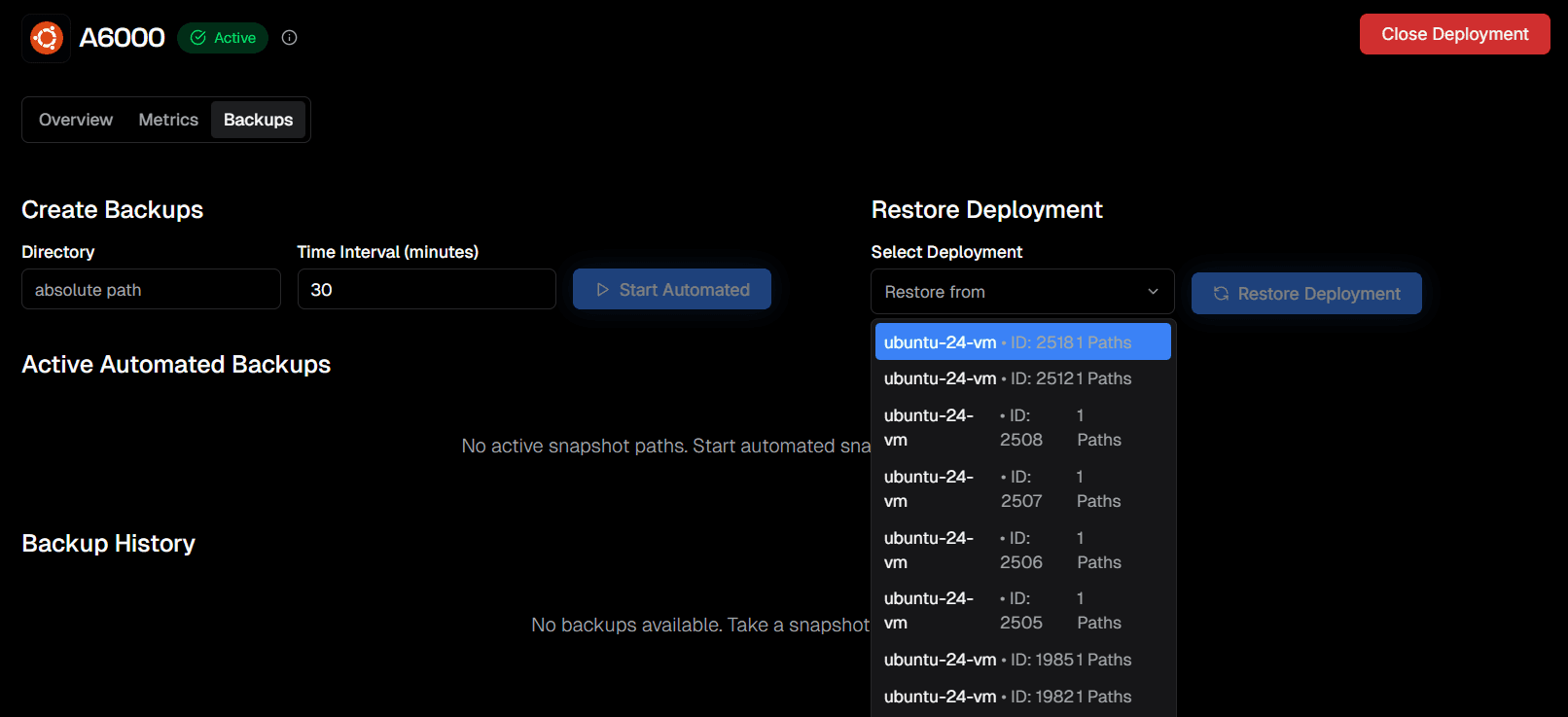
Select a Snapshot to Restore
On the new VM, use the Restore Deployment panel to choose the source deployment you want to migrate from. The dropdown shows available deployments along with their IDs and saved paths, so you can select the correct backup source.
Restored VM
Once the restore completes, the new VM comes up with the same saved state as the original deployment. This is the final step in migrating your workload to a different GPU or provider.
Your environment has been restored successfully. You are ready to continue working from the migrated deployment.