 Aquanode Docs
Backups
Save your VM data with automated or manual snapshots. Restore on any GPU, anytime.
Backups let you save the state of your VM's data at any point. You can restore a backup on any GPU - it's not tied to the original deployment.
Aquanode handles storage automatically - no external storage setup needed.
Create a Backup
If you have made progress in your workspace or want to preserve a known state, you can create a backup.
Snapshots
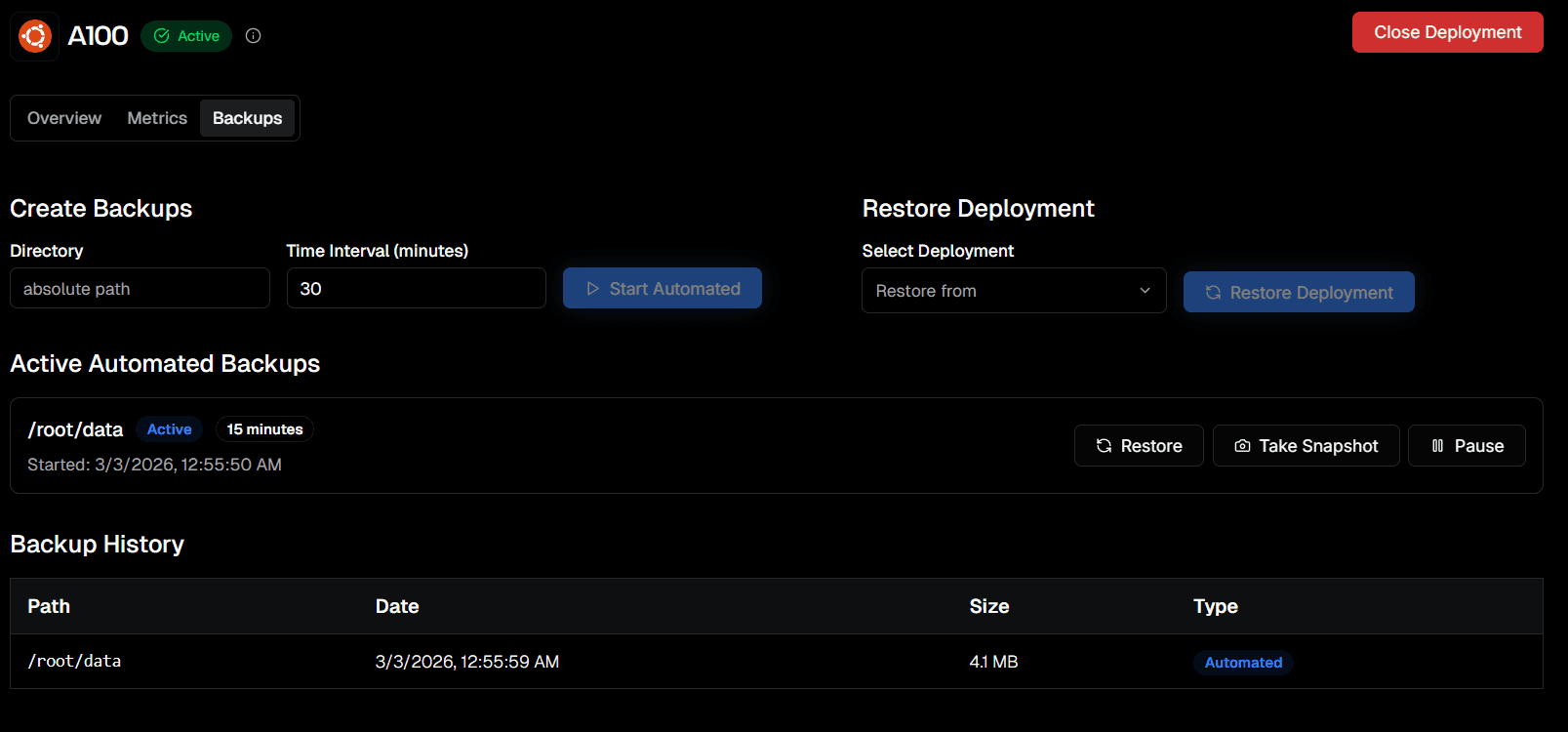
- Enter the absolute path of the directory you want to save and a time interval (in minutes).
- Click Start Automated to enable recurring snapshots.
- Once active, it appears under Active Automated Backups with its status and interval.
- You can also click Take Snapshot at any time to capture the current state immediately.
Recommendation: Always take a manual snapshot before shutting down an instance.
Backup History
The Backup History table below the active backups shows every snapshot taken - including the path, date, size, and whether it was Automated or Manual.
Both automated and manual snapshots are incremental - efficient in speed and storage usage.
Restore a Backup
You can restore to any saved backup - on any GPU, not just the one it was created on.
Select a Backup
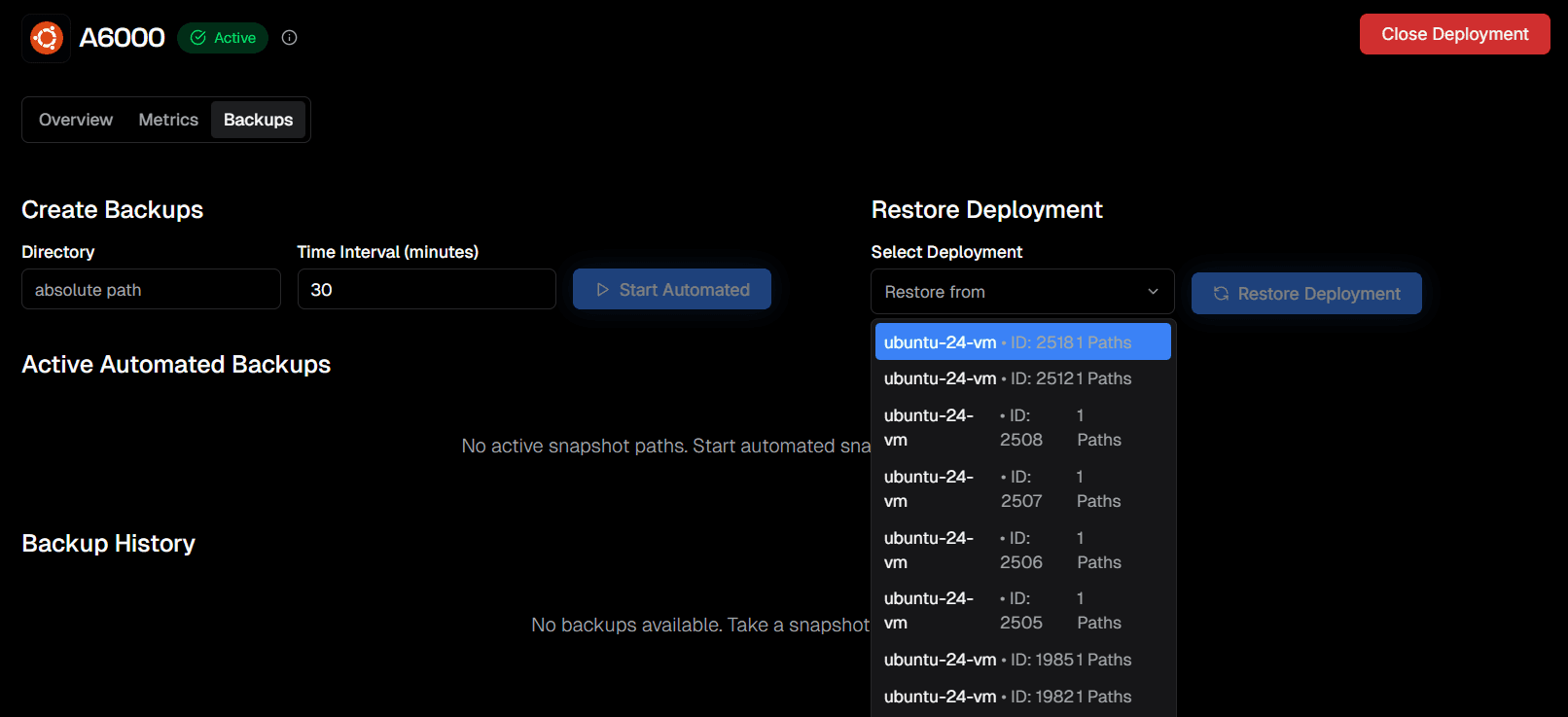
Use the Restore Deployment panel to choose the deployment you want to restore from. The dropdown lists available deployments with their IDs and saved paths, so you can pick the correct backup source before restoring.
Restored VM
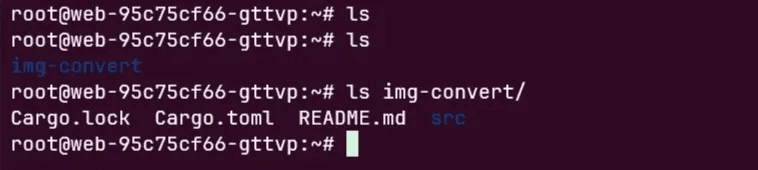
Once complete, your VM will be reverted to the chosen state: